
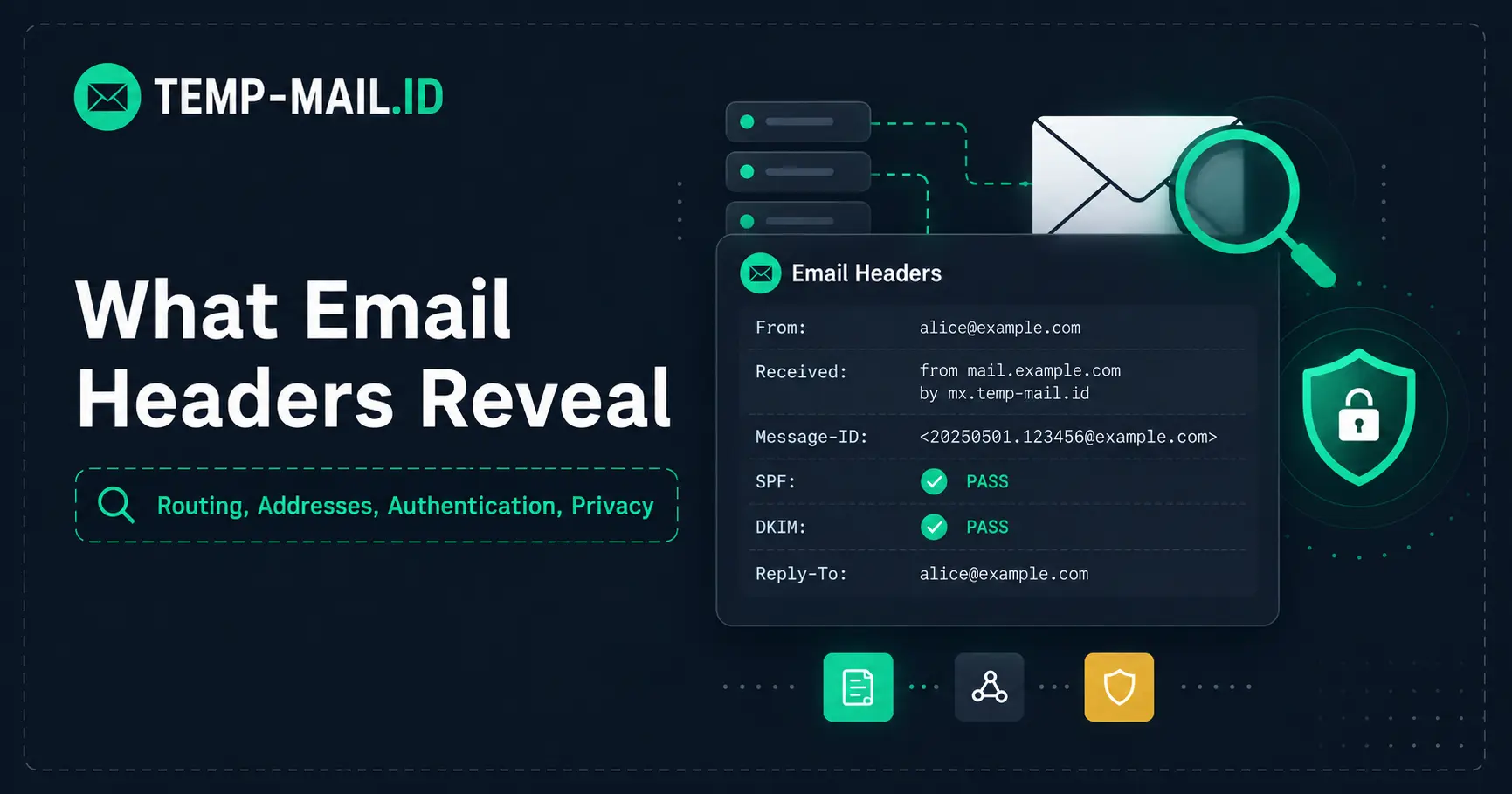
An email contains much more than the sender name, subject line, and message you see on screen.
Behind that familiar view is a collection of metadata called email headers. These fields help mail systems identify the sender and recipient, route messages between servers, record timestamps, authenticate domains, organize conversations, and troubleshoot delivery problems.
Some of that information can also be useful when investigating suspicious email. But email headers are frequently misunderstood. Seeing an IP address in a header does not automatically reveal someone's home address, and seeing a familiar name in the From field does not prove that person actually sent the message.
So what do email headers reveal, and what can you realistically learn from them?
This guide maps the most common fields, explains their privacy implications, and separates useful evidence from conclusions that email metadata cannot support on its own.
What Are Email Headers?
An email message can be thought of as having two broad parts: headers and a body.
The body contains the content you normally read. The headers contain structured information associated with the message.
The Internet Message Format is standardized in RFC 5322. It defines familiar fields such as From, To, Date, Subject, Message-ID, and trace information used as email moves through mail infrastructure.
Your email app usually hides most of this metadata because displaying dozens of technical lines would make ordinary email difficult to read. Gmail, Outlook, Apple Mail, Thunderbird, and other clients instead show a simplified view.
When you choose an option such as “show original,” “view source,” or “view message headers,” you can see much more of the underlying message.
What Email Headers Reveal at a Glance
Different headers answer different questions. The following table provides a practical privacy map rather than treating every field as equally important.
| Header | What It Can Tell You | What It Does Not Prove | Privacy Relevance |
|---|---|---|---|
| From | Address presented as the message author | That the displayed sender actually sent it | Medium |
| To / Cc | Addresses listed as visible recipients | Every address that received the message | High |
| Reply-To | Where replies should be directed | That it belongs to the same person or organization as From | Medium |
| Date | Sender-supplied message date and time | The exact time every mail server handled the message | Low to Medium |
| Message-ID | A message identifier, often containing a domain | A person's physical identity or location | Medium |
| Received | Parts of the route through mail servers | Necessarily the sender's personal device or home IP | High |
| Authentication-Results | Results of checks such as SPF, DKIM, and DMARC | That the message content itself is truthful or safe | Medium |
| Delivered-To | An address used during final delivery in systems that add this field | Every recipient or forwarding destination | High |
| User-Agent / X-Mailer | Sometimes identifies sending software | A reliable identity for the human sender | Medium |
The biggest lesson is that headers provide clues and technical records. They are not a universal identity lookup system.
1. From: The Address You See Is Not Proof of Identity
The From field is one of the first pieces of metadata people notice because email clients display it prominently.
It represents the address presented as the author of the message. That does not mean you should treat it as independent proof that the person or company shown actually sent the email.
Email authentication exists partly because visible sender information alone is not enough for modern mail systems to determine whether a message is authorized by the domain it claims to represent.
This is particularly relevant when inspecting phishing or impersonation attempts. A message can look convincing at the interface level while other parts of its metadata tell a different story.
Instead of judging a message only by its displayed sender name, look at the actual address and, when necessary, the authentication results added by receiving infrastructure.
2. To and Cc Can Expose Recipient Addresses
The To and Cc fields can create a much more obvious privacy issue.
When multiple addresses are placed in visible recipient fields, recipients may be able to see one another's addresses. This is why sending a large mailing with every recipient placed in Cc can unnecessarily expose an entire list.
Bcc works differently from visible recipient fields, but you should not assume that To and Cc represent a complete transport-level record of everyone involved in delivery.
Email transport and message presentation are related but not identical. A message can be delivered through addresses or forwarding steps that are not simply represented by the visible To line.
From a privacy perspective, this is a reminder that an email address is itself information worth protecting. Repeatedly exposing a permanent address across newsletters, forms, public lists, and low-priority services can increase its footprint over time.
For interactions that genuinely need only a short-term address, a temporary email address can keep the activity separate from your permanent inbox.
3. Reply-To Can Point Somewhere Different
Reply-To tells an email client where a reply should go when that destination differs from the address shown in From.
There are many legitimate reasons for this. A company might send automated messages from one system while directing responses to a support mailbox.
But the difference can also be worth inspecting when a message seems suspicious.
For example, if a message claims to come from one organization but directs replies to an unrelated domain, that mismatch deserves attention. It does not automatically prove fraud, but it gives you another piece of context.
This illustrates a broader rule for reading email headers: individual fields rarely tell the whole story. Relationships between fields are often more useful than any single value.
4. Received Headers Show the Message's Route
Received headers are among the most interesting parts of an email when you want to understand how it traveled.
Mail servers add trace information as messages pass through email infrastructure. A message can therefore accumulate multiple Received entries on its way from submission to final delivery.
These records can include server hostnames, IP addresses, timestamps, and information about the systems involved in transferring the message.
This is where a common misconception appears:
An IP address in a Received header is not automatically the sender's home IP address.
Modern email is often submitted through webmail systems, hosted mail providers, corporate gateways, relays, filtering services, and other infrastructure. An IP address may identify one of those systems rather than the device used by the person who wrote the message.
Headers can therefore help reconstruct a delivery path, but interpreting that path correctly requires context.
5. Can an Email Header Reveal Your IP Address?
Sometimes an email header contains IP addresses. The more important question is whose addresses they are.
A Received line might describe a sending mail server, relay, gateway, filtering system, or another piece of infrastructure. Whether the original sender's client IP appears depends on the service, submission method, infrastructure, and headers involved.
That means claims such as “every email exposes the sender's IP address” are too broad.
Even when you identify an IP associated with message transport, an IP address by itself generally does not give an ordinary recipient someone's exact street address. IP geolocation can sometimes suggest a network or approximate geographic area, but that is different from proving a person's precise physical location.
If you are investigating a suspicious message, treat IP information as one signal among several rather than as definitive identification.
6. Message-ID Can Reveal Technical Context
Many emails contain a Message-ID, a unique identifier intended to distinguish one message from another.
It often looks something like this:
<unique-value@example.com>
The structure can provide technical clues. For example, the domain portion may be associated with infrastructure that created the identifier.
But a Message-ID should not be interpreted as a secret identity code for the sender.
Its main job is message identification. Mail systems and clients can use it when processing messages, avoiding duplication, or relating messages within conversations.
As with other headers, implementations vary. Do not assume every Message-ID follows exactly the same generation pattern or reveals the same information.
7. Authentication-Results Helps Evaluate Domain Authentication
One of the most useful technical fields in modern email is Authentication-Results.
Receiving systems may use it to record the outcome of authentication checks such as SPF, DKIM, and DMARC.
These technologies answer related but different questions.
- SPF helps receivers evaluate whether a sending system is authorized for a domain used in the SMTP transaction.
- DKIM uses a cryptographic signature to associate a domain with a message and verify signed content according to the protocol.
- DMARC builds on SPF and DKIM and adds alignment and domain policy concepts.
The current DMARC protocol is documented by the IETF in RFC 9989, published in May 2026. The DMARC organization also provides background material explaining how these mechanisms work together.
An authentication pass is useful evidence about domain authorization and message authentication. It does not mean every statement inside the email is true, that every link is safe, or that the sender's business practices are trustworthy.
Authentication solves a narrower technical problem.
8. Delivered-To Can Reveal Delivery Information
Some mail systems add a Delivered-To field to record an address involved in delivery.
This field is particularly interesting from a privacy perspective because forwarding and address transformations can make the actual delivery path different from the addresses visible in the original message.
RFC 9228, which documents the Delivered-To header field, specifically notes that delivery metadata can disclose handling information and potentially personal information.
It also describes how a sequence of address replacements could result in multiple delivery addresses being recorded.
This is a useful reminder that metadata can expose relationships that are not obvious from the message body itself.
At the same time, Delivered-To is not a universal field that should be expected to appear identically in every email system.
9. X-Mailer and User-Agent May Reveal Sending Software
Some messages include fields such as X-Mailer or User-Agent that identify software associated with creating or sending the message.
Depending on the application, these fields might expose a mail client name or other implementation details.
That can be useful for troubleshooting or technical analysis, but it is usually weak evidence for identifying the human sender.
Headers beginning with X- are often implementation-specific rather than universal Internet Message Format fields. Different systems can add, omit, or modify them.
If a particular client or service chooses not to include such information, you cannot reliably infer it from a field that is not there.
10. Headers and Tracking Pixels Are Different Privacy Layers
Email metadata is sometimes confused with email tracking, but they are not the same thing.
Headers travel as part of the message. A tracking pixel usually works when remote content is requested after the recipient opens an HTML email.
That distinction matters.
A sender can potentially learn about an email open through remote content even when the information is not sitting in the original message headers.
Likewise, an email can contain revealing routing metadata even if it contains no tracking pixel at all.
For a closer look at the second mechanism, read our guide on how email tracking pixels work and how to reduce them.
Email Header Privacy: What You Should Not Assume
Reading raw headers can make an email look much more revealing than it really is. Before drawing conclusions, keep these limitations in mind.
- A From address is not proof of human identity. Evaluate authentication and context rather than relying on the display name alone.
- An IP address is not automatically a home IP. It may belong to mail infrastructure, a relay, gateway, or provider.
- An IP address is not a street address. Approximate IP geolocation and precise physical identification are very different things.
- A successful authentication result does not make an email harmless. A legitimately authenticated domain can still send unwanted or misleading content.
- Visible recipients are not necessarily the complete delivery story. Forwarding and transport-level addressing can differ from the visible message fields.
- Not every provider adds the same optional headers. Absence of a particular field does not automatically indicate suspicious behavior.
A Simple Framework for Inspecting a Suspicious Email
You do not need to decode every header line to perform a useful first inspection.
- Check the visible sender address. Look beyond the display name and inspect the actual domain.
- Compare From and Reply-To. An unexpected difference may deserve further investigation.
- Look at authentication results. Check whether the receiving system reports SPF, DKIM, or DMARC results.
- Review the routing only if necessary. Received headers can help explain the path, but avoid assuming every IP belongs to the human sender.
- Inspect links separately. Header authentication does not guarantee that every URL in the body is safe.
- Consider the context. Unexpected password resets, invoices, attachments, urgency, or requests for credentials matter just as much as technical metadata.
This approach keeps header analysis useful without turning every unfamiliar field into evidence of an attack.
Does Temporary Email Hide Email Metadata?
A temporary email address solves a specific privacy problem: it lets you receive short-term messages without giving every website your permanent email address.
It does not make the email protocol itself metadata-free.
Messages still need to move through mail infrastructure, and mail systems still use headers for addressing, routing, identification, and other operational purposes.
The privacy benefit is separation.
If you use a disposable address for a low-risk signup, the website receives that temporary address instead of the permanent address you may use for personal communication, purchases, work, or account recovery.
This can reduce unnecessary exposure of your main inbox identity, but it should not be confused with complete anonymity.
Our anonymous email guide explains this distinction in more detail.
When Inbox Separation Is Useful
Not every email interaction deserves access to your permanent inbox.
A temporary inbox can make sense for short-lived, low-risk tasks such as:
- previewing a newsletter;
- receiving a non-sensitive download link;
- testing a signup workflow;
- checking a transactional email template;
- receiving a temporary confirmation message;
- trying a service you do not expect to keep.
For important accounts, use a permanent address or another long-term solution that supports reliable recovery.
Temporary email should not be used for banking, government services, healthcare accounts, sensitive business systems, private documents, or accounts whose recovery matters.
If you want to understand the infrastructure behind a disposable inbox, see how temporary email works from address creation to inbox delivery.
Frequently Asked Questions
What information can an email header reveal?
Email headers can contain sender and recipient addresses, timestamps, message identifiers, routing information, authentication results, and sometimes information about sending software. The exact fields depend on the message and systems that handled it. Headers provide useful technical clues, but they should not automatically be treated as proof of a person's identity or physical location.
Can someone find my IP address from an email?
Email headers can contain IP addresses, but an address found there may belong to a mail server, relay, gateway, or other infrastructure rather than the sender's personal device. Whether an original client IP appears depends on the mail service and submission path, so it is inaccurate to assume every email exposes the sender's personal IP.
Can an email header reveal my exact location?
Usually not by itself. Even when a relevant IP address is available, IP geolocation generally provides network or approximate geographic information rather than a verified street address. Mail infrastructure can also make it difficult to associate a header IP directly with the person who wrote the message.
Can the From address in an email be trusted?
The From field tells you what address is presented as the author, but it should not be used as standalone proof of identity. Modern mail systems use mechanisms such as SPF, DKIM, and DMARC to provide additional authentication signals. You should also consider the domain, Reply-To address, message context, links, and other warning signs.
What does Authentication-Results mean?
Authentication-Results is a field that receiving infrastructure can use to record email authentication checks. It may show SPF, DKIM, and DMARC results. These results can help evaluate domain authentication, but a “pass” does not guarantee that the message is trustworthy, useful, or free from malicious links.
Are email headers the same as tracking pixels?
No. Headers are metadata carried with the email message. Tracking pixels are typically remote resources embedded in HTML email that can generate a request when content is loaded. Both have privacy implications, but they operate at different stages and should be analyzed separately.
Final Thoughts
Email headers are valuable because they show some of the machinery behind a message: addressing, routing, timestamps, identifiers, delivery information, and authentication.
They are most useful when interpreted as technical evidence rather than a shortcut to identifying someone.
A server IP is not necessarily a sender's device. A From address is not proof of identity. An authentication pass does not guarantee safe content. And metadata that looks mysterious is often there simply because email infrastructure needs it to deliver and process messages.
Understanding those distinctions makes it easier to investigate suspicious mail without drawing conclusions the data cannot support.
For short-term, low-risk situations where you simply do not want to expose your permanent address, you can use Temp-Mail.ID to keep the temporary interaction separate from your main inbox.