
Choosing a temporary email service should not require an hour of research. But using the first disposable inbox you find without checking anything can create unnecessary privacy or access problems.
Most temporary email services look similar at first. You open the site, get an address, receive a message, and move on. The important differences usually appear behind that simple interface.
How long are messages kept? Can you tell how inbox access works? Does the provider explain what data it processes? What happens when an email contains remote images, tracking pixels, links, or attachments?
If you are wondering how to choose a temporary email service, you do not need to perform a technical security audit. A few practical checks can tell you whether the service is suitable for the kind of short-term task you have in mind.
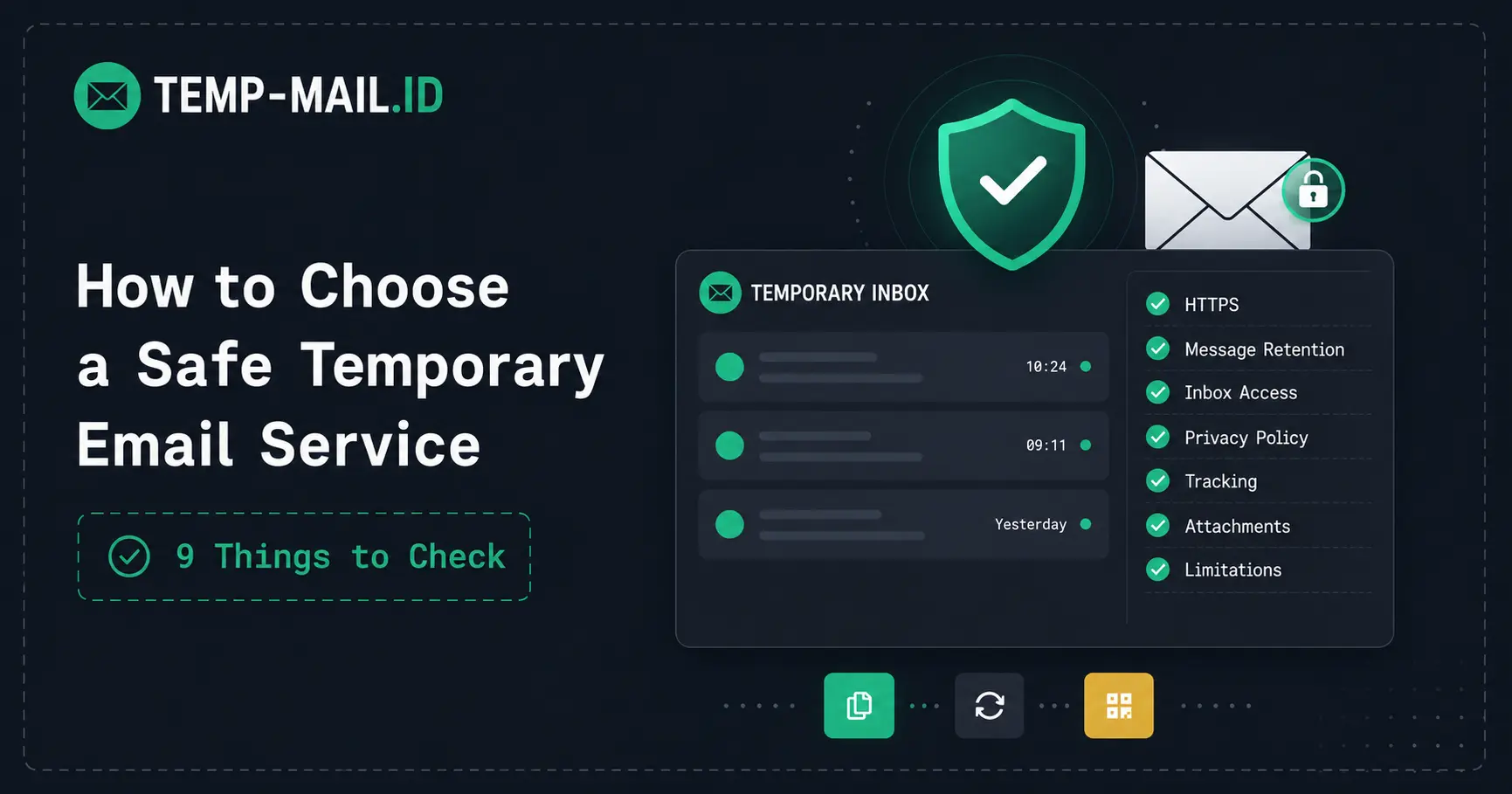
Here are nine things worth checking before using an unfamiliar temporary inbox.
How to Choose a Temporary Email Service: 9 Practical Checks
1. Check That the Website Uses HTTPS
Start with the easiest check: the website should load over HTTPS.
HTTPS encrypts the connection between your browser and the website while information travels across the network. For a service that displays incoming email content in your browser, that is a basic expectation.
You can usually confirm this by checking that the website address begins with https:// and that your browser does not show a connection warning.
HTTPS does not prove that a provider is trustworthy. Almost any website can obtain a TLS certificate today. But the absence of HTTPS is a clear reason to avoid entering or reading email through that service.
Think of HTTPS as a minimum requirement, not a complete security rating.
2. Find Out How Long Messages Are Kept
Temporary email services are designed around limited access, but “temporary” can mean different things depending on the provider.
Before relying on an inbox, look for a clear explanation of message retention. A provider should make it reasonably easy to understand whether emails stay available for minutes, hours, days, or until a browser session ends.
This matters because the usefulness of a temporary inbox depends heavily on timing.
If you only need to receive a confirmation link or download email immediately, short retention may be perfectly fine. If you think you might need the message again next month, temporary email is probably the wrong tool.
Temp-Mail.ID, for example, currently explains that received messages are automatically removed after a limited period, usually around one to two days depending on the inbox and message. You can review the current details in the Temp-Mail.ID Privacy Policy.
The important part is not whether one provider keeps messages longer than another. It is whether the retention model is clearly explained so you can decide if it matches your use case.
3. Understand How Inbox Access Works
A disposable inbox may not have the same access controls as Gmail, Outlook, or another permanent mailbox.
Many temporary email services deliberately avoid account registration and passwords because instant access is part of the product. That convenience also means you should understand how the inbox is associated with you.
Depending on the service, access may be tied to a browser session, generated address, token, cookie, or another temporary mechanism.
You do not need to understand the technical implementation in detail. Instead, ask one practical question:
Would it cause a serious problem if I lost access to this inbox?
If the answer is yes, use a permanent email account instead.
A temporary inbox is better suited to low-risk messages such as short-term signups, test emails, newsletter previews, download links, and other interactions where future recovery is not important.
4. Look for a Real Privacy Policy
Privacy slogans are easy to write. A useful privacy policy gives you more concrete information.
Look for an explanation of what information the provider may process while the service is running. Depending on the service, that can include:
- the temporary email address;
- incoming message content;
- technical logs;
- IP addresses;
- browser or device information;
- cookies;
- analytics data;
- advertising technologies;
- information you submit through support or contact forms.
Processing some technical information is not automatically suspicious. Email and web services need infrastructure to receive messages, route requests, prevent abuse, and troubleshoot failures.
What matters is transparency.
Be more cautious when a website makes broad promises such as “zero data,” “100% anonymous,” or “completely untraceable” without explaining how the service actually operates.
A realistic privacy policy is usually more useful than an impressive privacy slogan.
5. Check How the Service Treats Email Tracking
Using a disposable email address can reduce exposure of your permanent inbox, but that does not mean every message you open becomes tracking-free.
Marketing and transactional emails can contain remote images. Some senders use tiny remote images known as tracking pixels to learn when a message is opened.
That means there are two separate privacy questions:
- Did you give the sender your permanent email address?
- Can the sender observe activity when the message is opened?
Temporary email can help with the first issue. The second depends partly on how the inbox handles remote email content.
If privacy is a major reason you use disposable email, check whether the provider explains how external images or remote content are displayed.
You can learn more about this technique in our guide to email tracking pixels and how to reduce them.
6. Treat Attachments as Potentially Risky
Attachment support can be convenient, especially for testing or short-term file delivery. But receiving a file through a temporary inbox does not make that file safe.
The same rules you would use with a normal email account still apply.
Before opening an attachment, ask:
- Was I expecting this file?
- Do I recognize the sender?
- Does the message make sense in the context of what I just did?
- Would this type of email normally include an attachment?
For example, if you requested a six-digit verification code and receive an unexpected executable file or archive instead, there is little reason to open it.
A disposable inbox can separate a risky signup from your primary address. It cannot make malicious content harmless.
7. Be Skeptical of Absolute Anonymity Claims
Temporary email helps hide one specific piece of information: your permanent email address.
That can be genuinely useful.
It does not automatically hide everything else about your visit.
The website where you register may still process information such as your IP address, browser characteristics, cookies, device information, account activity, or payment details. The temporary email provider may also process technical information needed to operate the service.
That is why phrases such as “completely anonymous” or “impossible to trace” should be treated carefully.
A more realistic description is that temporary email can reduce how widely your permanent inbox identity is shared.
If you want a deeper explanation of this distinction, see our anonymous email and privacy guide.
8. See Whether the Provider Explains When Not to Use Temp Mail
A useful temporary email provider should be clear that disposable inboxes are not suitable for every account.
Temp mail works best for short-term, low-risk tasks where losing the inbox later would be inconvenient at most.
Examples include:
- testing a signup form;
- receiving a temporary confirmation link;
- previewing a newsletter;
- accessing a public download;
- trying a low-risk service;
- keeping promotional email away from your main inbox.
You should normally avoid temporary email for:
- banking and financial accounts;
- government services;
- healthcare accounts;
- important work or business systems;
- private documents;
- accounts that contain valuable purchases or subscriptions;
- critical password recovery;
- anything you may need to recover months or years later.
A simple rule works surprisingly well:
If losing the inbox could create a serious problem later, do not use a temporary email address for that account.
If you still want to protect your main address while keeping long-term access, an alias may be a better fit. Our guide to temporary email vs email aliases explains the trade-offs.
9. Look for Honest Limitations Rather Than Big Promises
No temporary email service works perfectly on every website.
Some platforms intentionally reject disposable email domains. They may do this because they need stable contact information, want reliable password recovery, or use disposable-domain detection as part of their anti-abuse controls.
Domain filtering also changes over time. A disposable domain that works with a particular website today may be blocked there later.
That means claims such as “works everywhere” or “guaranteed verification” should be viewed skeptically.
A better sign is when the provider openly explains that some websites may reject temporary addresses and recommends using a permanent email account when long-term access matters.
Transparency about limitations is often more useful than a feature list full of guarantees.
Temporary Email Service Safety Checklist
If you only have a minute, use this table to evaluate an unfamiliar provider.
| What to Check | Good Sign | Red Flag |
|---|---|---|
| HTTPS | Inbox loads over HTTPS without browser warnings | Plain HTTP or security warnings |
| Message retention | Retention or deletion period is explained | No information about message lifetime |
| Inbox access | It is reasonably clear how temporary access works | No explanation of who may access the inbox |
| Privacy policy | Explains data processing, logs, cookies, and third parties | Only vague anonymity claims |
| Remote content | Tracking and external content are considered | Tracking implications are ignored completely |
| Attachments | Attachment behavior is clear | Users are encouraged to trust every received file |
| Anonymity claims | Explains realistic privacy benefits and limits | Promises complete anonymity |
| Recommended uses | Encourages short-term, low-risk use | Suggests temp mail for sensitive accounts |
| Compatibility | Explains that some websites may block disposable domains | Guarantees universal acceptance |
A Quick Decision Framework
There is an even simpler way to decide whether temporary email is appropriate.
Ask yourself three questions:
- Do I only need this email for a short time?
- Would losing access to the inbox later be harmless?
- Does the message avoid sensitive or valuable information?
If the answer to all three is yes, temporary email may be a reasonable choice.
If one of those answers is no, consider using a permanent email account or alias instead.
This framework matters because choosing a safe temporary email service is only half of the decision. You also need to choose an appropriate use case.
What a Temporary Email Service Can and Cannot Protect
Disposable email is best understood as an inbox-separation tool.
Instead of giving your permanent email address to every website you encounter, you can use a separate address for short-term interactions.
That can help reduce:
- marketing email reaching your main inbox;
- unnecessary sharing of your permanent address;
- long-term inbox clutter;
- exposure of your primary email in low-priority signups.
But temporary email does not replace:
- strong passwords;
- multi-factor authentication;
- safe browsing habits;
- malware protection;
- secure account recovery;
- careful handling of sensitive data.
For a technical look at what happens between address generation and email delivery, read how temporary email works.
How Temp-Mail.ID Approaches Temporary Email
Temp-Mail.ID is designed around a simple use case: receiving short-term email without creating a permanent mailbox account.
The temporary inbox is available directly in the browser, and basic use does not require account registration or connecting your personal email address.
Current Temp-Mail.ID documentation also explains that temporary messages are retained for a limited period and that the service should not be used for sensitive, financial, medical, government, or other important long-term accounts.
That limitation is intentional. Temporary email is most useful when the message itself is temporary.
If you only need a disposable address for a low-risk task, you can use the temporary email generator and receive messages directly in your browser.
Frequently Asked Questions
How do I choose a safe temporary email service?
Check that the service uses HTTPS, clearly explains message retention and inbox access, publishes a useful privacy policy, avoids unrealistic anonymity claims, and is honest about when temporary email should not be used. Clear limitations are often a better trust signal than big security promises.
What is the most important thing to check before using temp mail?
Make sure the task is genuinely temporary. If you may need the account, message, password reset, purchase record, or recovery link later, a disposable inbox is usually the wrong choice regardless of which provider you use.
Does HTTPS make a temporary email service safe?
No. HTTPS protects the connection between your browser and the website, but it does not guarantee that the provider has good privacy practices or secure infrastructure. Treat HTTPS as a basic requirement rather than proof that a service is trustworthy.
Is a temporary email address anonymous?
A temporary address can prevent a website from learning your permanent email address, but it does not make your entire internet session anonymous. Websites may still process IP addresses, cookies, browser details, device information, or other identifiers.
Can I use temporary email for an important account?
It is better not to. Important accounts often depend on future email access for billing, security alerts, password resets, or account recovery. Use a permanent address or reliable email alias when losing inbox access could cause a serious problem.
Why do some websites reject temporary email services?
Some platforms block known disposable domains because they require stable contact information or use temporary-email detection as part of their anti-abuse, account recovery, or signup-quality controls. Acceptance is determined by the website receiving the address.
Final Thoughts
You do not need to compare dozens of features to choose a temporary email service.
Start with the basics: HTTPS, clear retention information, understandable inbox access, a real privacy policy, realistic privacy claims, and honest limitations.
Then consider the task itself.
If you only need to receive a short-term message and losing the inbox later would not matter, temporary email can be a practical way to keep that interaction separate from your permanent inbox.
If the account is valuable, sensitive, or likely to require recovery in the future, use a permanent mailbox instead.
For a short-term, low-risk task, you can open Temp-Mail.ID and receive email directly in your browser.