
Creating another email account is not always necessary when you only need to receive one message. A website may ask for an email address before providing a download link, newsletter confirmation, product trial, testing message, or access to a low-risk online form. Using your personal inbox for every small interaction can lead to unnecessary promotional emails and long-term inbox clutter.
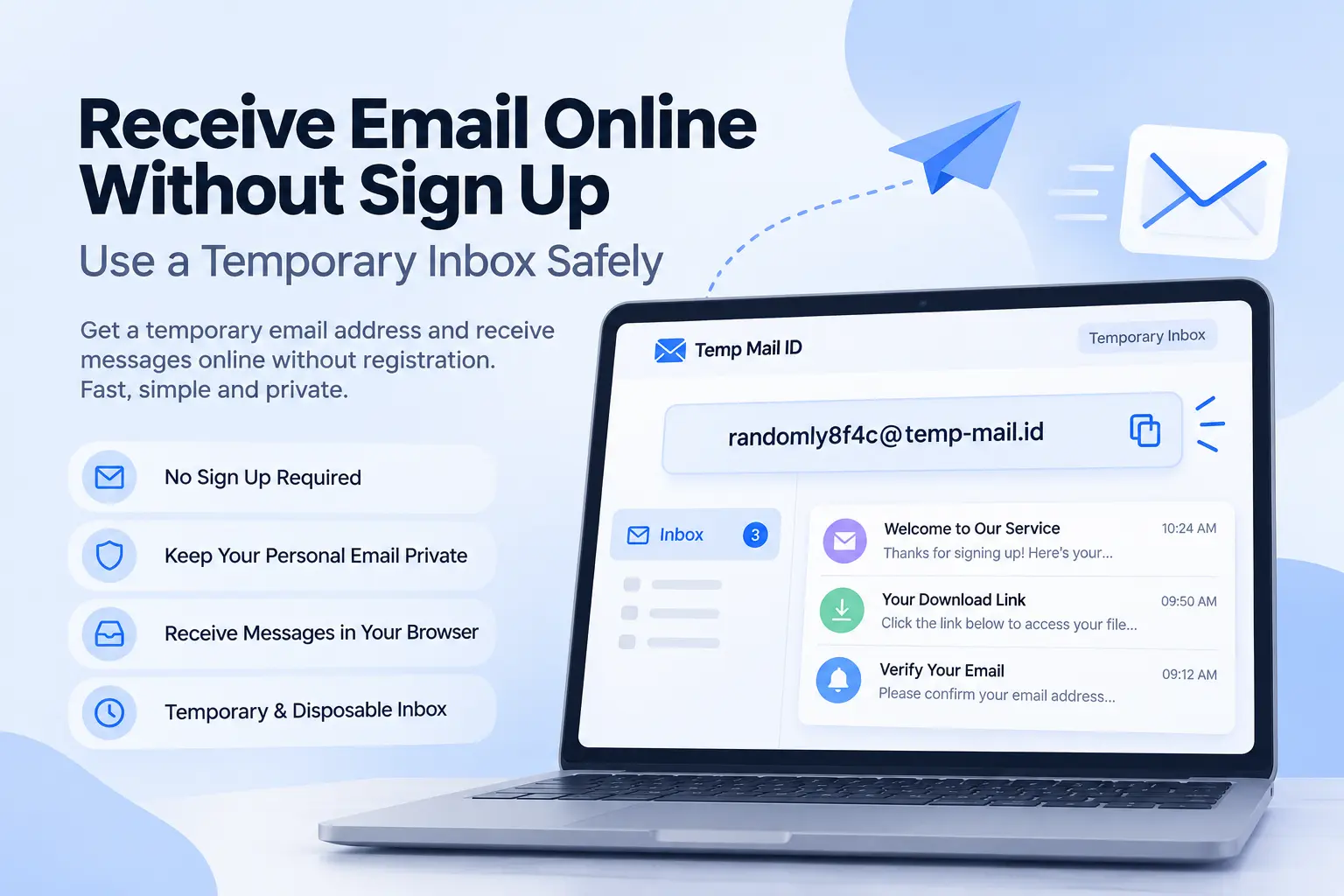
A temporary inbox offers a simpler option. It lets you receive email online without sign up, create a password, or open another permanent email account. The address appears in your browser, incoming messages are displayed online, and the inbox is intended for short-term use.
This type of service is useful when you need quick access to non-sensitive messages but do not need long-term communication or account recovery. It can help keep newsletters, temporary downloads, product tests, and casual signups separate from your personal or work email.
Responsible-use note: Receiving email online with a temporary inbox is useful for low-risk sign ups, newsletters, downloads, testing, and short-term online interactions. Do not use temporary email for fraud, impersonation, spam, abusive activity, or important accounts that require long-term access and recovery.
What Does It Mean to Receive Email Online?
Receiving email online means opening incoming messages through a browser-based inbox rather than through a traditional email account or desktop mail application. The inbox is connected to an email address, but the user may not need to complete a standard account-registration process.
With a temporary email service, an address is usually generated automatically. You can copy that address, enter it into a website, and return to the inbox page to wait for the message. When the sending website delivers the email, the temporary mail server receives it and displays it in the browser.
This approach is different from creating a permanent account with a mainstream email provider. A permanent account normally requires registration, a password, account-recovery details, and long-term mailbox management. A temporary inbox focuses on quick message access instead.
The phrase Receive Email Online can refer to several services, but in this guide it describes browser-based temporary email for legitimate, low-risk, and short-term communication.
How a Temporary Inbox Works for Short-Term Messages
A temporary inbox works through a receiving email domain and mail server. When the service opens, it generates a temporary email address and connects that address to an inbox session.
The basic message flow is:
Temporary address created → Address entered on a website → Website sends an email → Receiving mail server accepts the message → Message appears in the browser inbox
The email address may remain available for a session or a limited period. Messages may also have a separate retention period. Because availability is temporary, users should open required messages promptly.
A Temp Mail Inbox is designed to receive messages rather than become a complete replacement for permanent email. It may not include long-term storage, reliable recovery, advanced account security, or permanent access to old messages.
When Receiving Email Online Without Sign Up Is Useful
Receiving emails without registration is useful when the interaction is temporary and the message is not sensitive. It avoids the time required to create another permanent account and helps keep low-value communication away from your main inbox.
It can also help with inbox organization. Instead of sending every newsletter confirmation, product demo, or testing email to the same address, you can keep short-term messages inside a separate disposable email inbox.
The best use cases have three characteristics: the message is needed soon, the information is low-risk, and future account recovery is not important. When any of those conditions change, a permanent email address may be more appropriate.
Common Use Cases
Newsletters
A temporary inbox can receive a newsletter confirmation or sample edition when you want to evaluate the content before subscribing with a permanent address. This prevents recurring messages from immediately entering your main inbox.
Download Links
Some websites send reports, templates, guides, or other resources by email. A temporary email address can receive a one-time download link when the content is non-sensitive and long-term access is unnecessary.
Trial Access
Temporary email may be useful for evaluating a low-risk product trial. You can receive an activation message and inspect the service before deciding whether it deserves a permanent email address.
If the trial becomes an account you plan to keep, update the account to a stable email address before storing important data or purchasing a subscription.
Online Forms
Some surveys, event pages, calculators, and informational forms request an email address to send a result. A temporary inbox can keep these one-time messages separate from personal communication.
Testing Messages
Developers, QA testers, marketers, and product teams may need a quick inbox to test signup emails, confirmation links, welcome messages, and staging notifications. Temporary email can help separate test messages from real work inboxes.
Low-Risk Signups
A temporary inbox can be practical when joining a low-risk website for brief access. It supports safer email organization without committing your personal address to every online service.
How to Receive Email Online With Temp Mail ID
Using Temp Mail ID to receive email online is straightforward.
Step 1: Open Temp Mail ID
Visit Temp Mail ID in your browser. A temporary email address will be available without requiring a traditional account-registration process.
Step 2: Copy the Address
Copy the complete temporary email address. Check that the username, @ symbol, and domain are included correctly.
Step 3: Enter It on the Website
Paste the address into the newsletter form, download page, product trial, test environment, or other low-risk form you are using.
Step 4: Return to the Inbox
After submitting the form, return to Temp Mail ID. Keep the inbox page open and wait for the sender to deliver the message.
Step 5: Open the Message
When the email appears, open it and use the confirmation link, download link, testing content, or other information you requested.
Delivery time can vary. Some messages arrive quickly, while others may be delayed by the sender’s mail queue or filtering system.
Temporary Inbox vs Personal Inbox
A temporary inbox and personal inbox serve different purposes. A temporary inbox is designed for brief access and low-risk messages. A personal inbox is designed for long-term communication, account ownership, and recovery.
| Feature | Temporary Inbox | Personal Inbox |
|---|---|---|
| Registration | Often available without signup | Usually requires account creation |
| Inbox lifetime | Temporary or session-based | Long-term while the account remains active |
| Message storage | Limited retention | Long-term storage subject to provider limits |
| Recovery | Often limited or unavailable | Usually includes recovery options |
| Best use | Downloads, newsletters, testing, and short-term messages | Important accounts, personal communication, and ongoing services |
Use a temporary inbox when message retention is not important. Use a personal inbox when you need receipts, security alerts, support communication, password resets, or reliable future access.
Temporary Inbox vs Email Alias
A temporary inbox gives you a separate mailbox for short-term messages. An email alias gives you another address that normally forwards messages to an existing inbox.
A temporary inbox offers stronger separation because the messages do not need to enter your personal mailbox. It is practical for one-time or short-term use.
An alias is more suitable for ongoing accounts. You can give a website the alias instead of your primary address while continuing to receive its messages over time.
For a newsletter sample or one-time download, a temporary inbox may be enough. For a shopping account, online community, or subscription that you expect to keep, an alias is generally the better privacy tool.
What Types of Messages Are Suitable for Temporary Inboxes?
Suitable messages are low-risk, non-sensitive, and useful for only a short period. Examples include:
- Newsletter confirmation emails
- One-time download links
- Welcome emails for short product evaluations
- Staging and sandbox test messages
- Low-risk signup confirmations
- Non-sensitive event or resource emails
Messages involving financial information, legal records, identity documents, private files, healthcare information, payment details, or confidential business communication should not be sent to a temporary inbox.
You should also avoid using temporary email for an account that may become important. If you may need the account later, use an email address that supports long-term access and recovery.
Why Some Emails May Not Arrive
An email may fail to appear for several reasons. The temporary address may have been copied incorrectly, the sender may have delayed the message, or the website may not have completed its email request.
Some websites reject known disposable email domains because they require stable contact information for account recovery, billing, security alerts, or continued communication.
The sending mail server may also apply filtering or delivery policies. In some cases, the message could be rejected before it reaches the temporary email provider.
If an expected email does not arrive, check the address for typing errors, wait briefly, refresh the inbox, and confirm that the sender supports temporary email addresses. Repeatedly requesting the same message may create additional delays, so allow the sender time to process the first request.
Safety and Privacy Limits of Receiving Email Online
A temporary inbox protects your personal email address from being shared with every website, but it does not provide complete privacy or anonymity.
The temporary email provider must process incoming messages to display them. Depending on the service, this can include sender information, recipient address, subject line, message content, delivery time, links, and attachments.
Websites may still process technical information such as IP addresses, browser details, cookies, device information, and activity data. Hiding a personal email address does not hide every aspect of an online interaction.
Temporary inboxes may also have limited access controls compared with permanent accounts. Do not use them to receive passwords, private credentials, sensitive documents, payment information, or confidential personal data.
When You Should Use a Permanent Email Instead
Use a permanent email address when the account requires ongoing access, security, recovery, or reliable message history.
This includes banking, payments, healthcare, government services, education accounts, work collaboration, cloud storage, shopping accounts with order history, paid subscriptions, and services containing private data.
A permanent inbox is also necessary when you may need password resets, suspicious-login alerts, billing notices, customer support, invoices, or legal records.
A simple decision rule is useful: if losing access to the email address could cause a problem, do not use a temporary inbox.
Best Practices for Using Temporary Inboxes Responsibly
Use temporary email only for legitimate, low-risk, and short-term activities. Match the inbox type to the importance of the message and account.
Open required messages promptly because inbox access and message retention may be limited. Do not assume that an address or old message can be recovered later.
Avoid receiving sensitive information. Keep financial, legal, healthcare, identity, business, and private account communication inside a secure permanent inbox.
Respect website terms and normal signup policies. Temporary email is an inbox-management and privacy tool, not a method for fraud, spam, impersonation, or abusive activity.
If a trial or temporary account becomes valuable, replace the temporary address with a permanent email before adding billing details, uploading important files, or relying on the account for regular use.
Related Temporary Email Tools
Explore these related Temp Mail ID tools and guides for temporary inbox access, address generation, privacy, and safer signup decisions:
- Receive Email Online
- Temporary Email
- Disposable Email
- Random Email Generator
- Temp Email for Safe Signup
- Temp Email to Avoid Spam
- Temp Email for Privacy
These pages explain how temporary addresses are generated, how browser inboxes receive messages, and how disposable email can support responsible privacy and inbox organization.
FAQ
Can I receive email online without signing up?
Yes. A temporary email service can provide an online inbox without requiring you to create a traditional email account or choose a password.
Can I receive verification email online?
A temporary inbox can receive email-based verification messages when the sender accepts the domain and the inbox remains active. It should only be used for low-risk accounts that do not require long-term recovery.
How long does a temporary inbox last?
The lifetime depends on the provider. Some inboxes remain available for a browser session, while others last for a limited period. Message retention may be shorter than inbox availability.
Do temporary inboxes require registration?
Many temporary email services generate an address without traditional registration. This provides faster access but may also mean that password protection and recovery options are limited.
Can I use a temporary inbox for downloads?
Yes, a temporary inbox can be suitable for non-sensitive, one-time download links when future access is not required.
Why did my temporary email not receive a message?
The address may have been entered incorrectly, the sender may be delayed, or the website may reject disposable email domains. Refresh the inbox and confirm that the website accepts temporary addresses.
Is an online email receiver anonymous?
Not completely. It can hide your personal email address, but websites and email services may still process browser, device, network, and activity information.
Should I use temporary email for password recovery?
No. Password recovery requires reliable long-term access. Use a secure permanent inbox for any account you may need to recover later.
Conclusion
Using a temporary inbox is a practical way to receive email online without sign up when you only need short-term access to a low-risk message. It can help keep newsletters, download links, testing emails, product trials, and casual signup messages away from your personal inbox.
The process is simple: generate a temporary email address, enter it into the website, return to the browser inbox, and open the incoming message. No additional permanent email account is required.
The main limitation is that access may expire. Temporary inboxes are not designed for long-term message storage, sensitive communication, important accounts, or reliable recovery.
Temp Mail ID provides a convenient way to receive emails without registration while keeping short-term online interactions separate from your main email address. Use it responsibly for appropriate messages, and choose a secure permanent inbox whenever long-term access matters.