
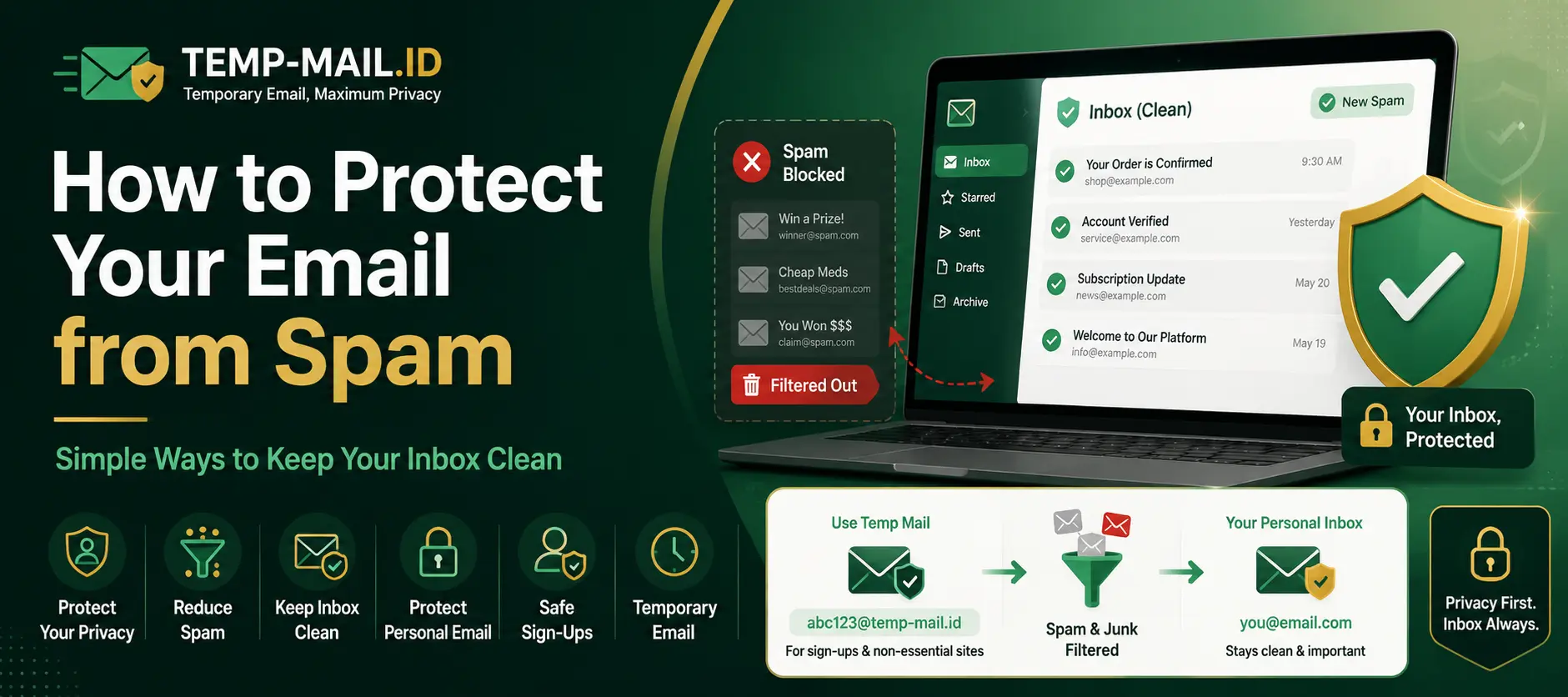
Spam emails are more than a small annoyance. They can fill your inbox, distract you from important messages, expose you to suspicious links, and make it harder to manage your personal or work communication. Once your email address is shared too widely, it can be difficult to stop unwanted emails completely.
That is why many people search for how to protect your email from spam before signing up for new websites, newsletters, downloads, online tools, communities, or trial offers. The goal is simple: keep your main inbox clean, reduce unnecessary exposure, and avoid giving your personal email address to every form on the internet.
Temporary email can help in the right situations. A temporary inbox lets you receive messages for short-term use without using your main address. When used safely, it can reduce spam from low-risk sign ups, one-time downloads, test accounts, and websites you do not plan to use long term.
Privacy note: Temporary email is useful for reducing spam during low-risk sign ups, newsletters, downloads, testing, and short-term online interactions. It should not be used for fraud, impersonation, abusive activity, or accounts that require long-term access and recovery.
Why Spam Emails Are Still a Problem
Spam continues to be a problem because email is still one of the easiest ways for websites, marketers, scammers, and automated systems to contact people. Almost every online form asks for an email address. Once you enter your address, that website may use it for account messages, newsletters, promotions, reminders, onboarding sequences, or future campaigns.
Some unwanted emails come from legitimate websites that send too many follow-ups. Others come from low-quality services, aggressive marketing lists, scraped databases, leaked contact lists, or suspicious senders. Even if you are careful, your email address can still end up in places you did not expect.
Spam also becomes worse over time. One unnecessary sign up may not look like a big deal, but hundreds of small sign ups can turn into a crowded inbox. You may start receiving product updates from tools you no longer use, discount emails from shops you visited once, and newsletters you do not remember joining.
A clean inbox is easier to manage. It helps you notice important messages, reduce distractions, and avoid risky emails. Protecting your email address before it spreads is usually easier than trying to clean up years of spam later.
How Your Email Address Ends Up on Spam Lists
Your email address can end up on spam lists in several ways. The most common is simple: you enter it into websites too often. Each time you use your real email for a form, download, giveaway, tool trial, or online community, you create another place where that address is stored.
Some websites share email addresses with partners, advertising systems, or third-party tools. Others may have weak data practices. Even if the website itself does not intend to spam you, your address may pass through email marketing platforms, analytics tools, customer relationship systems, or external service providers.
Email addresses can also be collected from public pages. If your address appears on a website, forum, profile page, comment section, or public document, automated bots may scrape it. Once scraped, it can be added to lists used for cold outreach or spam campaigns.
Another source is data breaches. If a service you joined leaks account data, your email address may become part of a public or private database. From there, unwanted senders may use it for phishing attempts, spam, or credential-stuffing campaigns.
Common Places Where People Expose Their Real Email
People often expose their real email address without thinking much about it. A website asks for an email, and they type the same personal address they use for everything. Over time, this habit creates a long trail of sign ups across many platforms.
Common places include free downloads, coupon forms, online calculators, newsletters, waitlists, forum registrations, product trials, browser tools, file converters, contest pages, webinars, online communities, and apps that require account creation before showing their features.
Another common place is testing new tools. If you like exploring AI tools, SaaS platforms, design apps, developer tools, productivity software, and online services, your inbox can quickly fill with onboarding emails and promotional messages.
Using your real email is fine for trusted, important, and long-term accounts. But for casual, short-term, or uncertain sign ups, it is often better to use a different approach. Temporary email, aliases, and separate inboxes can help reduce the amount of unwanted email reaching your main address.
What Is Temporary Email for Spam Protection?
Temporary email for spam protection is a short-term inbox that can receive messages without exposing your personal email address. You can generate a temporary address, use it for a low-risk form or sign up, receive the message you need, and keep your main inbox separate.
This type of inbox is also called temp mail, disposable email, burner email, or temporary inbox. It is designed for short-term use. It is helpful when you need to receive a confirmation email, download link, newsletter confirmation, trial message, or one-time verification email but do not want future promotional emails in your main inbox.
Temporary email does not remove every online risk. It does not replace safe browsing, strong passwords, or careful account management. But it can reduce unnecessary exposure of your personal email address and help keep unwanted messages away from your primary inbox.
The best use cases are simple and low-risk. If the account or interaction is temporary, not sensitive, and not important for long-term recovery, temporary email can be a practical privacy layer.
When Using a Temporary Email Makes Sense
Using a temporary email makes sense when you only need short-term access or a one-time message. For example, you may need to confirm a newsletter, receive a download link, test a tool, join a trial, access a demo, or check a website before deciding whether to use it seriously.
It also makes sense when you are not sure whether a website will respect your inbox. Some websites send useful messages, but others send frequent promotions or make it difficult to unsubscribe. Temporary email lets you complete the first step without committing your main address.
Temporary email is useful for testing. Developers, QA testers, marketers, and product teams may need inboxes for signup tests, form checks, and short-term account creation. A disposable inbox can keep test messages separate from real work email.
It is also useful for privacy-conscious browsing. If a website only needs your email for a low-risk interaction, using a temporary inbox can reduce how often your personal address is stored, shared, or targeted later.
How Temp Mail ID Helps Keep Your Main Inbox Cleaner
Temp Mail ID helps keep your main inbox cleaner by giving you a temporary address for online sign ups and short-term messages. Instead of entering your personal email on every website, you can generate a temporary inbox and use it where long-term access is not required.
The process is simple. Open Temp Mail ID, copy the temporary email address, paste it into the website, then return to the inbox to receive the message. If the website sends a confirmation email, download link, or verification message, you can open it directly from the temporary inbox.
This helps reduce future clutter. If the website later sends marketing emails, onboarding campaigns, or repeated reminders, those messages do not go to your personal inbox. Your main address stays more protected for important communication.
Temp Mail ID is especially useful for temporary email for spam protection, disposable email for privacy, low-risk sign ups, safe downloads, quick tests, newsletters, and one-time interactions. It gives you a simple way to receive email online without giving every website your real address.
Other Simple Ways to Reduce Spam
Temporary email is helpful, but it should be part of a broader inbox protection habit. There are several simple ways to reduce spam and keep your email cleaner.
First, use different email addresses for different purposes. Keep your main email for important accounts, personal communication, banking, work, billing, and account recovery. Use a separate address or alias for shopping, newsletters, communities, and online tools.
Second, be careful with public sharing. Avoid posting your email address in public comments, forum posts, social profiles, or web pages unless it is necessary. Public addresses are easier for bots and scrapers to collect.
Third, unsubscribe from legitimate newsletters you no longer want. For real brands and trusted newsletters, unsubscribe links can help reduce future messages. For suspicious emails, avoid clicking links and mark the message as spam instead.
Fourth, use spam filters and blocking tools. Most email providers allow you to mark spam, block senders, create filters, or move certain messages into folders. This can help manage unwanted emails that already reach your inbox.
Fifth, avoid entering your real email into every form. Before signing up, ask yourself whether the website really needs your main address. If the interaction is low-risk and short-term, a temporary inbox may be enough.
Temporary Email vs Email Alias vs Unsubscribe Links
Temporary email, email aliases, and unsubscribe links all help with inbox control, but they work in different ways.
Temporary email is best for short-term use. It is useful for low-risk sign ups, downloads, testing, and one-time messages. It helps you avoid exposing your main email address when you do not need long-term access.
An email alias is better for ongoing relationships where you still want control. For example, you may create one alias for shopping, one for newsletters, one for work tools, and one for communities. If one alias starts receiving too much spam, you can filter or disable it without changing your main email.
Unsubscribe links are useful when the sender is legitimate. If you signed up for a real newsletter or service and no longer want emails, unsubscribing can work well. But for suspicious or unknown spam, clicking unsubscribe may confirm that your inbox is active. In those cases, marking the message as spam is safer.
The best approach is to use each tool in the right place. Use temporary email for low-risk short-term interactions, aliases for ongoing sign ups, and unsubscribe links for trusted senders.
Best Practices for Protecting Your Personal Email Address
Protecting your personal email address starts with deciding where it should and should not be used. Your main email should be treated like a long-term identity. It is often connected to your accounts, password recovery, billing, cloud storage, work communication, and personal messages.
Use your main email only for important and trusted accounts. This includes banking, payments, government services, healthcare, work tools, education accounts, cloud storage, and services you plan to keep for a long time.
Use temporary email for low-risk and short-term actions. This includes quick sign ups, one-time downloads, testing, newsletters, trial access, demo accounts, and websites you are not ready to trust with your real address.
Use a separate email alias or secondary inbox for medium-risk activities. Shopping sites, communities, forums, online tools, and subscriptions may be better handled with an alias rather than your main personal address.
Also be careful with email-based security. Use strong passwords, enable two-factor authentication for important accounts, and keep recovery email addresses current. Spam protection is important, but account security matters too.
When Not to Use Temporary Email
Temporary email is not the right choice for every situation. You should not use it for accounts that are important, paid, sensitive, or difficult to recover.
Do not use temporary email for banking, payment services, crypto accounts, government portals, healthcare accounts, tax services, business systems, school accounts, or cloud storage. These accounts need long-term access and reliable recovery options.
You should also avoid temporary email for paid subscriptions. Billing receipts, renewal notices, failed payment alerts, refund messages, and account security alerts should go to an inbox you control permanently.
Do not use temporary email for accounts connected to private files, client data, business projects, API keys, legal documents, identity verification, or password recovery. If losing access to the inbox would cause a problem, use a permanent address.
A simple rule is this: use temporary email to reduce spam from low-risk interactions. Use a real email address for anything valuable, sensitive, paid, or long-term.
Related Privacy and Spam Protection Pages
If you want more guides about spam protection, privacy, safe sign ups, and temporary inbox use cases, explore these related Temp Mail ID pages:
These pages can help you choose the right temporary inbox workflow for spam reduction, safer sign ups, privacy protection, and keeping your main inbox cleaner.
FAQ
How can I protect my email from spam?
You can protect your email from spam by using your main address only for important accounts, using temporary email for low-risk sign ups, creating aliases for different purposes, avoiding public exposure, and unsubscribing only from trusted senders.
Can temporary email help me avoid spam emails?
Yes. Temporary email can help you avoid spam emails from low-risk sign ups, newsletters, downloads, trials, and websites you only need to use briefly. It keeps those messages away from your main inbox.
Is disposable email good for privacy?
Disposable email can improve privacy for short-term online interactions because you do not need to share your personal email address with every website. It is best used for low-risk and temporary situations.
Should I use temporary email for important accounts?
No. Important accounts should use a permanent email address that you can access long term. This includes banking, payments, business tools, government services, password recovery, and paid subscriptions.
What is the difference between temporary email and an email alias?
Temporary email is usually for short-term use. An email alias is better for ongoing use because it forwards to your real inbox while still keeping your main address private.
Is it safe to click unsubscribe links?
Unsubscribe links are usually fine for trusted newsletters and legitimate companies. For suspicious spam, it is safer to avoid clicking links and mark the message as spam instead.
When should I use temporary email safely?
Use temporary email safely for low-risk sign ups, newsletters, downloads, testing, demo accounts, and short-term online interactions where long-term account recovery is not needed.
Conclusion
Learning how to protect your email from spam starts with being careful about where you share your personal address. Every sign up, download, newsletter, and online form can increase the chance of unwanted messages reaching your inbox.
Temporary email can help reduce that exposure. With Temp Mail ID, you can generate a temporary inbox, use it for low-risk sign ups, receive the message you need, and keep your main inbox cleaner. This is useful for temporary email for spam protection, disposable email for privacy, safe sign ups, testing, downloads, and short-term online interactions.
The safest strategy is to separate your email use by importance. Use your main email for trusted and long-term accounts, use aliases or secondary inboxes for ongoing online activity, and use temporary email for short-term or low-risk interactions.
If you want to keep your inbox clean, reduce unwanted emails, and protect your personal email address, Temp Mail ID gives you a simple way to receive email online without exposing your main address every time.